AI VPS: an always-on cloud computer for your AI agent
A digital employee on a Linux machine of its own: it works 24/7, and you check in, chat or take over from your phone or laptop. Bring your own AI too. From $19 a month, AI usage included.
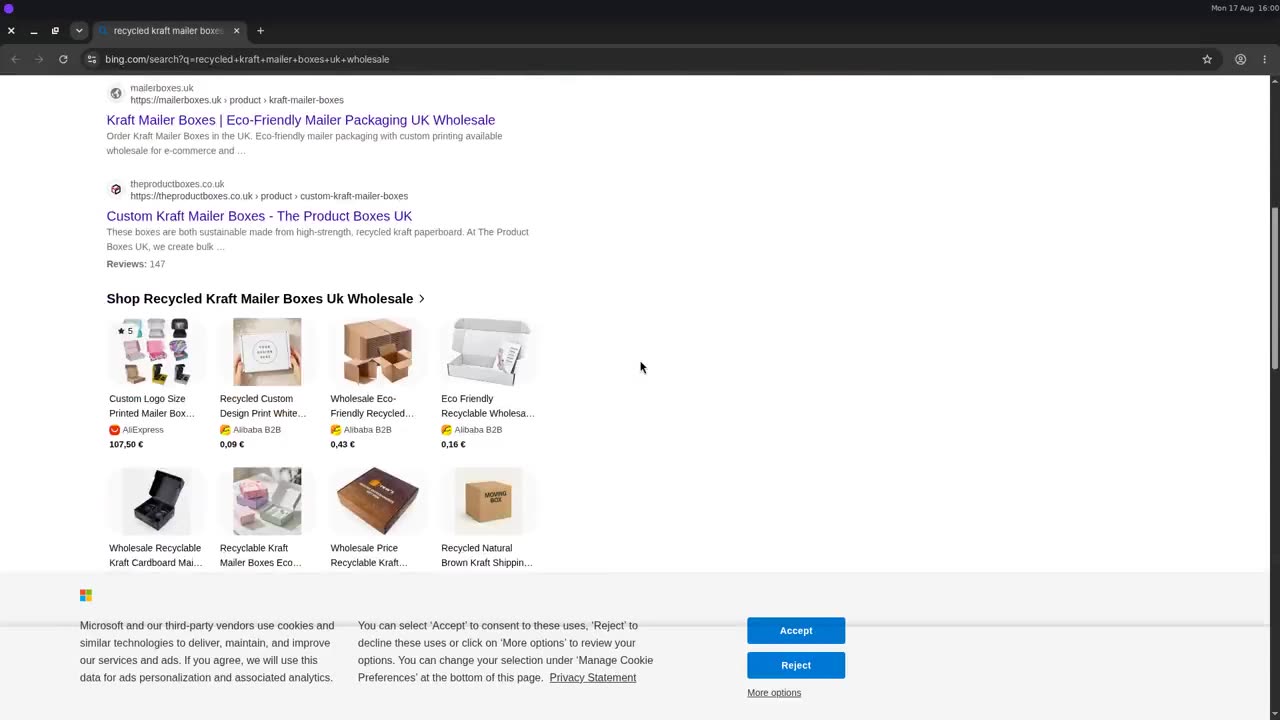
A real MyClawn machine, recorded: supplier listings searched, the comparison built in a spreadsheet, the enquiry sent from the machine's own address. Yours runs live, and you can step in at any moment. Already run an agent? VPS for Claude Code · VPS for OpenClaw.
A digital employee that works 24/7, managed from anywhere
Hand it the work in plain words and it gets on with it on its own machine, whether you are at your desk or not. Everything it does happens on a screen you can open anywhere.
Works while you sleep
The machine stays on. A job you hand over at midnight keeps running; in the morning the task list, the step-by-step activity and the sent mail show what it did.
Check in from anywhere
Open the dashboard in any browser, on a phone, a tablet or a laptop. Upright, you see the whole desktop with the chat and the terminal under it; turn the phone sideways and the desktop fills the screen.
Step in when it needs you
Tap into the screen and the mouse and keyboard are yours: the CAPTCHA, the two-factor code, the sign-in only you can do. Then tell it to carry on.
Bring your own AI: Claude Code, Codex, OpenClaw
The built-in agent comes with the plan, usage included. Next to it, the machine is yours to run your own: switch the bar to Terminal (or open the terminal on the desktop), install into your home folder and sign in with your own account. We ran each of these on a live machine in September 2026.
Claude Code
Your Claude subscription or API key.
curl -fsSL https://claude.ai/install.sh | bash
claude
Codex
Your ChatGPT account or OpenAI key.
npm config set prefix ~/.npm-global
npm i -g @openai/codex
codex
OpenClaw
Needs Node 24: unpack it in your home folder first.
npm i -g openclaw@latest
openclaw onboard
There is no root on the machine, so installs go in your home folder: the native Claude Code installer, npm with a prefix in your home folder, and Node 24 unpacked there for OpenClaw. Whatever you start in the terminal keeps running after you close the page. The step-by-step versions are in VPS for Claude Code and VPS for OpenClaw.
Use it like a VPS, with a screen
A Linux machine with a fast connection and the tools people reach for on a VPS, plus the desktop and the browser a headless server does not have.
Agents and bots, around the clock
Claude Code on your repo overnight, an OpenClaw or Telegram bot, a Discord bot: anything that connects out keeps running in the terminal session after you close the page.
Scrapers, monitors and long jobs
Price watchers, feed readers, data pulls and batch scripts in Node or Python, with a browser that stays signed in when the site needs one.
A dev box you can reach from anywhere
git, Node 22, Python 3 and VS Code on the desktop. Run the dev server and open it in the machine’s own Chrome; publish a preview through a tunnel such as Cloudflare Tunnel.
Files in, results out
Drop files on the dashboard (up to 3 MB each) and they land on the desktop; the machine downloads anything bigger itself, fast.
A fast connection
A 1 Gbit/s data-center uplink in the EU, shared by the machines on it. Measured from a machine on 16 September 2026: 465–916 Mbit/s down, 341 Mbit/s up.
What it is not, yet
No root and no Docker. No public address or open ports, so hosting for the public goes through a tunnel. Mail ports 25 and 465 are closed, as at most cloud providers.
AI VPS plans and pricing
One dedicated machine per plan: the box, the desktop, the live stream, the terminal, the email address and AI usage are in the price. You sign up and check out right here, with a MyClawn account; usually ready within a few minutes of checkout.
Godmode
- 16 GB burst RAM · 160 GB disk
- 10× AI usage
- All model tiers + priority compute
Every plan: a dedicated Linux desktop streamed live, Chrome with logins that persist, files and a terminal, an email address it sends from, and your own AI next to the built-in one. Billed monthly by Stripe; cancel any time from the billing portal, effective at the end of the period, with the disk kept 30 days. Included usage resets each cycle; top-ups never expire. Full table in the pricing docs; the subscription terms are short.
What is an AI VPS?
A virtual private server set up for an AI agent rather than for a website: it stays on 24/7, it has a real desktop with a browser and persistent logins, an email address of its own, and a screen a person can watch live and take over. A plain VPS gives you the first of those; an AI VPS gives you all of them for one monthly price. It is not a GPU server: the model is called through an API and the usage is in the price, so the machine's job is to be the agent's computer, not to host model weights. The long version is on MyClawn's cloud desktop for AI agents page.
What an AI agent needs from a VPS
A cheap Linux box gives you the first of these six. The other five are what people spend the evening building.
Always on
A dedicated machine in the cloud. It does not stop when your laptop lid closes; the job you handed it at midnight is done, or waiting for you, in the morning.
A real browser, not only a shell
Google Chrome on a real display with sessions that survive. Most useful work is behind a login on a site with no API; a headless box cannot do it.
An identity of its own
An email address the agent sends from, so it can ask a supplier for a quote or chase an invoice without acting inside your inbox under your name. Receiving is not enabled yet.
A screen you can watch
The desktop is streamed to your browser live, on a laptop or a phone. Not a summary, not a transcript: the page it opened, the cell it typed into, the mail before it goes.
A way to take over
Click into the stream and the keyboard and mouse are yours. Stop it if it is mid-task, solve the CAPTCHA or enter the code, then tell it in chat to carry on.
Persistence
Files, the tools you installed and browser logins are still there tomorrow. A sandbox that resets between runs is the opposite of a VPS.
Plain VPS vs managed hosting vs an AI VPS
Where the plain box wins, and where it does not.
| What you get | Plain VPS you set up | Managed framework hosting | MyClawn AI VPS |
|---|---|---|---|
| Always on | Yes | Yes | Yes |
| Real desktop with Chrome, persistent logins | You install and maintain it | Depends on the framework | Included |
| Watch the screen live, take over | VNC, if you set it up | Rarely | Included, in the browser, on a phone too |
| A terminal and your own AI (Claude Code, Codex, OpenClaw) | Yes | The framework you chose | Yes, plus a built-in agent |
| Own email address | You configure mail | Rarely | Included (sending; receiving not yet) |
| Root, Docker | Yes | Varies | No: installs go in your home folder |
| Public address for hosting | Yes | Varies | Not yet: publish through a tunnel |
| Maintenance | Yours: updates, restarts, patches | Theirs | None |
| Price per month | Commonly $5–20 + model usage | Set by the provider + model usage | $19–159, AI usage included |
If you need root, Docker or a public IP and you enjoy maintaining the box, the five-dollar VPS is the right tool, and $19 is not the same thing: it is the machine, the desktop, the stream, the terminal and the address plus AI usage every month, with no model key to bring. If you must have a specific framework hosted and kept updated for you, managed hosting is the category, see VPS for OpenClaw. The AI VPS is for work that lives in a browser behind logins, for agents you want to watch, and for checking on all of it from your phone.
AI VPS vs a sandbox or browser API (E2B, Browserbase and the like)
Those are tools for developers: a sandbox or a headless browser you start from code, billed while it runs and reset when it stops. An AI VPS is the opposite shape: one persistent machine, still logged in tomorrow, with a person able to watch and take over. If you are writing code that needs a throwaway environment, use one of those; if you are handing work to an agent, use this.
How it works
Sign up
Google, an email link or a password, right here. The account is a MyClawn account; no install, no card until you pick a plan. About thirty seconds.
Pick a plan, pay, get a machine
Checkout is Stripe's page. A dedicated cloud desktop with Chrome, files, a terminal and an email address it sends from is usually ready within a few minutes; if the fleet is full, you join a waitlist instead of paying.
Hand it work, or run your own
Describe the job to the agent, or switch the bar to Terminal and run your own tools. Watch it on any device and take the keyboard whenever you want.
Guides
VPS for Claude Code: how to run Claude Code 24/7
How to keep Claude Code running on a VPS when your laptop sleeps: the tmux recipe, where a headless box breaks, and how to give Claude Code a cloud desktop with a real browser and an email address it can send from.
VPS and hosting for OpenClaw or Hermes Agent: what the server needs
What OpenClaw and Hermes Agent need from a VPS, the three ways to host them (your laptop, your own VPS, managed hosting), and where an AI VPS with its own desktop fits: as a tool the framework borrows, not as its host.
AI agent hosting: what to look for before you pay for a server
The six things AI agent hosting has to provide (uptime, a real browser, persistent logins, an identity, a screen you can watch, a way to take over) and how a plain VPS, managed framework hosting and an AI VPS compare, with prices.
How to run an AI agent 24/7 (and what breaks when you try)
Four ways to keep an AI agent running around the clock (laptop, cron on a VPS, a hosted framework, a cloud desktop), what each one does at 3 a.m. when the job needs a login, and how you find out in the morning what happened.
Questions people ask
- What is an AI VPS?
- A virtual private server set up for an AI agent rather than for a website: it stays on 24/7, it has a real desktop with a browser and persistent logins, an email address of its own, and a screen you can watch live and take over. A plain VPS gives you the first of those; an AI VPS gives you all of them.
- Is an AI VPS a GPU server for running models?
- No. A MyClawn machine has no GPU. The agent calls its models through an API and every plan includes AI usage credits, so nothing about the box is sized for training or hosting model weights. If you want to run Llama or Stable Diffusion yourself, rent a GPU server; if you want an agent that has its own computer and works while you watch, this is the one.
- How much does an AI VPS cost?
- A MyClawn machine starts at $19 a month: Spark has 2 GB burst RAM, 20 GB disk, its own email address and AI usage included. Surge is $39 with 2× the usage, Apex $79 with 5×, Godmode $159 with 10×, each with more memory and disk. A plain Linux VPS you set up yourself is commonly $5–20 a month at providers such as Hetzner or DigitalOcean, plus whatever you pay your model provider.
- What is the cheapest VPS for an AI agent?
- For shell-only work, a $5–20 Linux box from any provider, plus your model usage. For work in a browser behind logins, the cheapest option that already has the desktop, the browser, the email address and the model in one price is Spark at $19 a month with AI usage included.
- Do I need a VPS to run an AI agent?
- Only if it has to keep working when your computer is off. For a job you sit next to, your own machine is fine. The moment the job runs overnight, hits a login you must approve, or needs to send mail as itself, it needs a machine of its own, and that is what an AI VPS is.
- Is the agent really running 24/7?
- Yes. The machine is a dedicated cloud desktop that stays on when your laptop sleeps, a digital employee that keeps working without you. Tasks you hand it keep running; when you come back, the task list shows what it did, the activity feed shows each step, and the sent-mail view shows what it sent.
- Can I manage it from my phone?
- Yes. The dashboard works in any browser. On a phone held upright you see the whole desktop at its own shape, with the agent chat and the terminal under it; turn the phone sideways and the desktop fills the screen. Tap into it to take over.
- Can I run Claude Code, Codex or OpenClaw on it?
- Yes, yourself, next to the built-in agent (they do not replace it). The machine has a terminal, also reachable from the dashboard’s command bar, with Node 22, Python 3 and git, and no root, so installs go in your home folder: Claude Code with its native installer, Codex with npm and a home-folder prefix, OpenClaw with Node 24 unpacked in your home folder first. We ran Claude Code 2.1.273, Codex 0.154 and OpenClaw 2026.9.4 that way on a live machine in September 2026. Claude Code and other MCP clients can also hand the desktop jobs through its MCP connector.
- Can I use my own AI subscription?
- Yes, for the tools you run yourself: sign in to Claude Code with your Claude account, to Codex with your ChatGPT account, or give OpenClaw your own keys, from the machine’s terminal. The built-in agent uses the AI usage included in your plan and never touches your own subscriptions.
- Can I host a website or an app on it?
- Not directly yet: machines have no public IP address and no open incoming ports, and there is no root or Docker. You can run any server and open it in the machine’s own browser, or publish it yourself through an outbound tunnel such as Cloudflare Tunnel, which we tested from a live machine. Bots and scripts that connect outward need nothing extra. Built-in public URLs are on the roadmap.
- How fast is the internet connection?
- Each server has a 1 Gbit/s data-center uplink in the EU, shared by the machines on it. From a machine on 16 September 2026 we measured 916 Mbit/s down from Hetzner’s speed server, 686 Mbit/s from Cloudflare and 465 Mbit/s from OVH, and 341 Mbit/s up to Cloudflare. Mail ports 25 and 465 are closed, as at most cloud providers.
- Can I see what the agent is doing?
- Yes. The desktop is streamed to your browser live: the actual screen, on a laptop or a phone. Click into it and the keyboard and mouse are yours. If it is mid-task, press Stop first, do the step, then tell it in chat to carry on.
- Does it have its own email address?
- Yes. Every machine gets an address it sends from and receives at, so the agent asks suppliers for quotes or chases invoices, and reads their reply, without acting inside your inbox. The dashboard currently shows what it sent, not what arrived — reading incoming mail happens in the agent’s own chat.
Give your agent a computer that stays on.
Sign up in thirty seconds, pick a plan, and the machine is usually ready within a few minutes.
Get a machine